
If most of your enquiries come by phone, running Google Ads without call tracking means you're guessing which keywords and ads actually work. Here's how it works and what to set up first.
Tradies, clinics, real estate agents, any business where the customer picks up the phone instead of filling in a form, all have the same blind spot in their marketing data. You can see exactly how many people clicked your Google Ads. You can see how much you spent. But you have no idea which of those clicks actually turned into a phone call, and which calls turned into paying jobs.
That gap is what call tracking fixes. It’s not complicated once you see how it works, but most business owners have never had it explained to them properly, so they either skip it entirely or leave it half set up. Here’s the full picture.
At its simplest, call tracking gives you a phone number that isn’t really your number. It’s a number that forwards straight through to your real line, but before it does, it quietly records which ad, keyword, or campaign the caller came from. That information gets sent back into Google Ads as a conversion, the same way a form submission would be.
Without it, Google Ads only knows about clicks. With it, Google Ads knows which of those clicks became a real enquiry. That’s the difference between guessing which keywords are working and actually knowing.
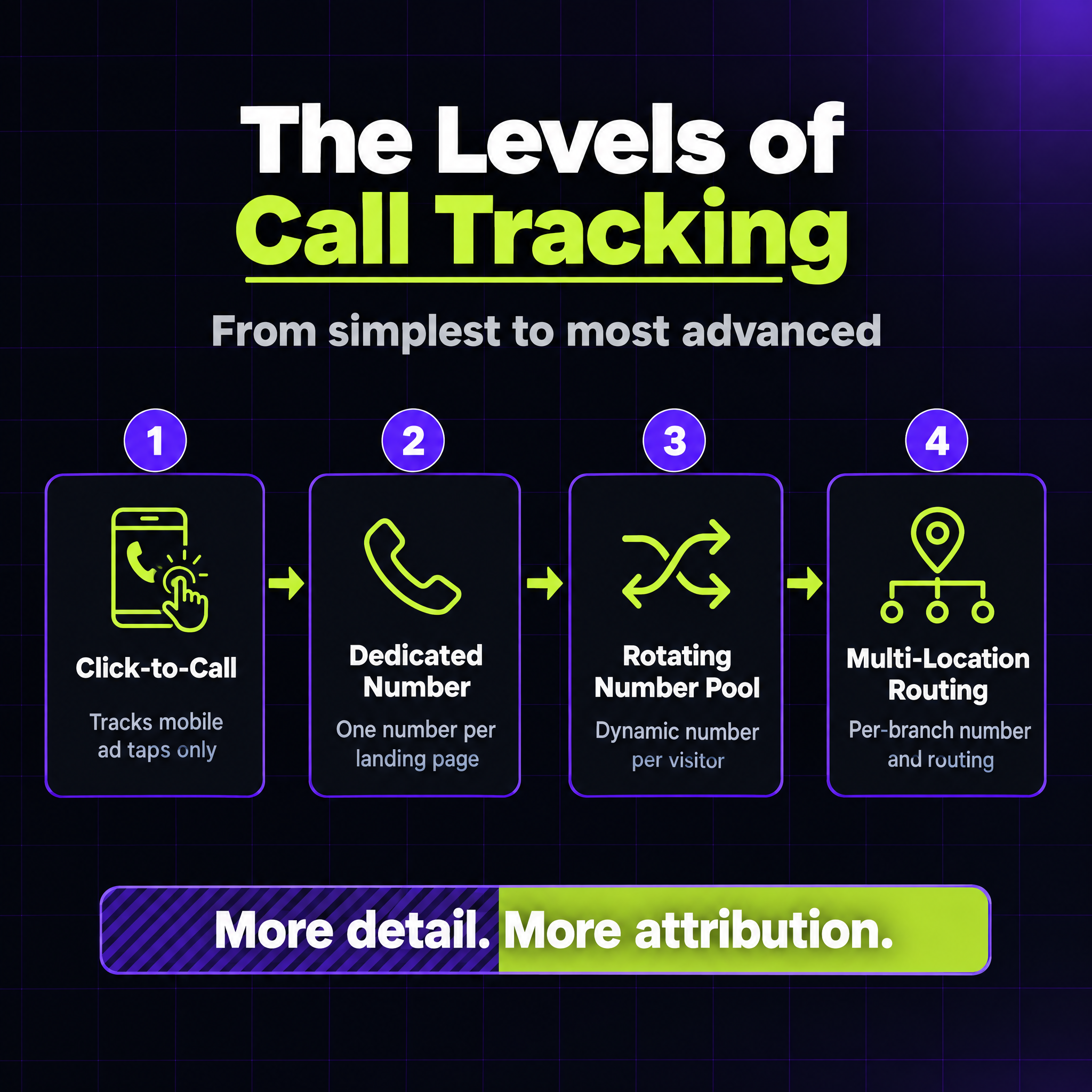
Not every business needs the same setup. There are a few distinct levels, and which one makes sense depends on how many locations you run and how much detail you actually need.
Click-to-call tracking. This is the simplest option and it’s built into Google Ads itself. When someone taps the phone number on your ad from their mobile, Google can track that tap and the resulting call as a conversion, no separate phone number required. The catch is it only tracks calls that start directly from the ad. If someone finds your number on your website, your Google Business Profile, or just Googles your business name later, none of that gets attributed. It’s a good baseline, not the full picture.
A dedicated call routing number. This is one unique number assigned to your Google Ads landing page (or ideally to a specific campaign or ad group), separate from the number you show everywhere else. Every call to that number gets attributed to Google Ads specifically, which finally answers the question “are the ads actually generating calls, or just clicks.” Simple to set up, and a big step up from click-to-call alone.
Rotating number pools (dynamic number insertion). This is where it gets genuinely useful. Instead of one static number, your website pulls from a pool of numbers and assigns a different one to each visitor for the length of their session. That means you’re not just attributing calls to “Google Ads” as a whole, you can see the exact keyword, ad, and even landing page that led to that specific call. For a business spending real money on ads, this is usually the level worth setting up properly.
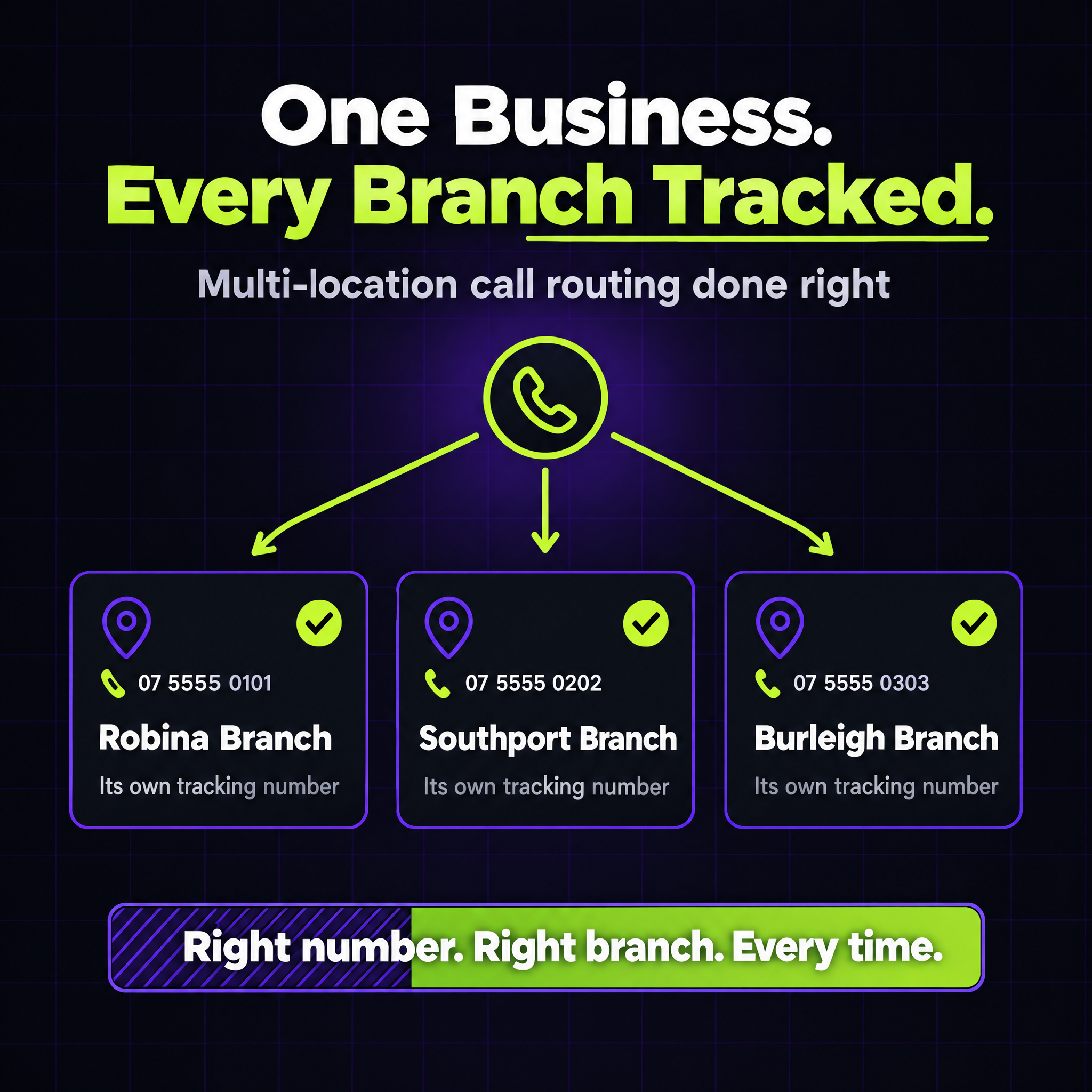
Multi-location tracking and routing. If you run more than one location, this is where things actually get interesting, and it’s the part most businesses get wrong. Each location needs its own tracking number (or number pool), tied to that location’s own Google Business Profile and its own landing page. Done properly, this doesn’t just tell you which ad worked, it also routes the call straight to the right branch’s team, so a caller in Robina doesn’t end up talking to someone in Southport. Tracking and routing become the same job.
If you want a dedicated call tracking platform, CallRail is the most established option, and WildJar is a solid Australian-built alternative that plenty of local agencies use for exactly this. Both plug directly into Google Ads for automatic conversion import, and both handle rotating number pools and multi-location routing out of the box.
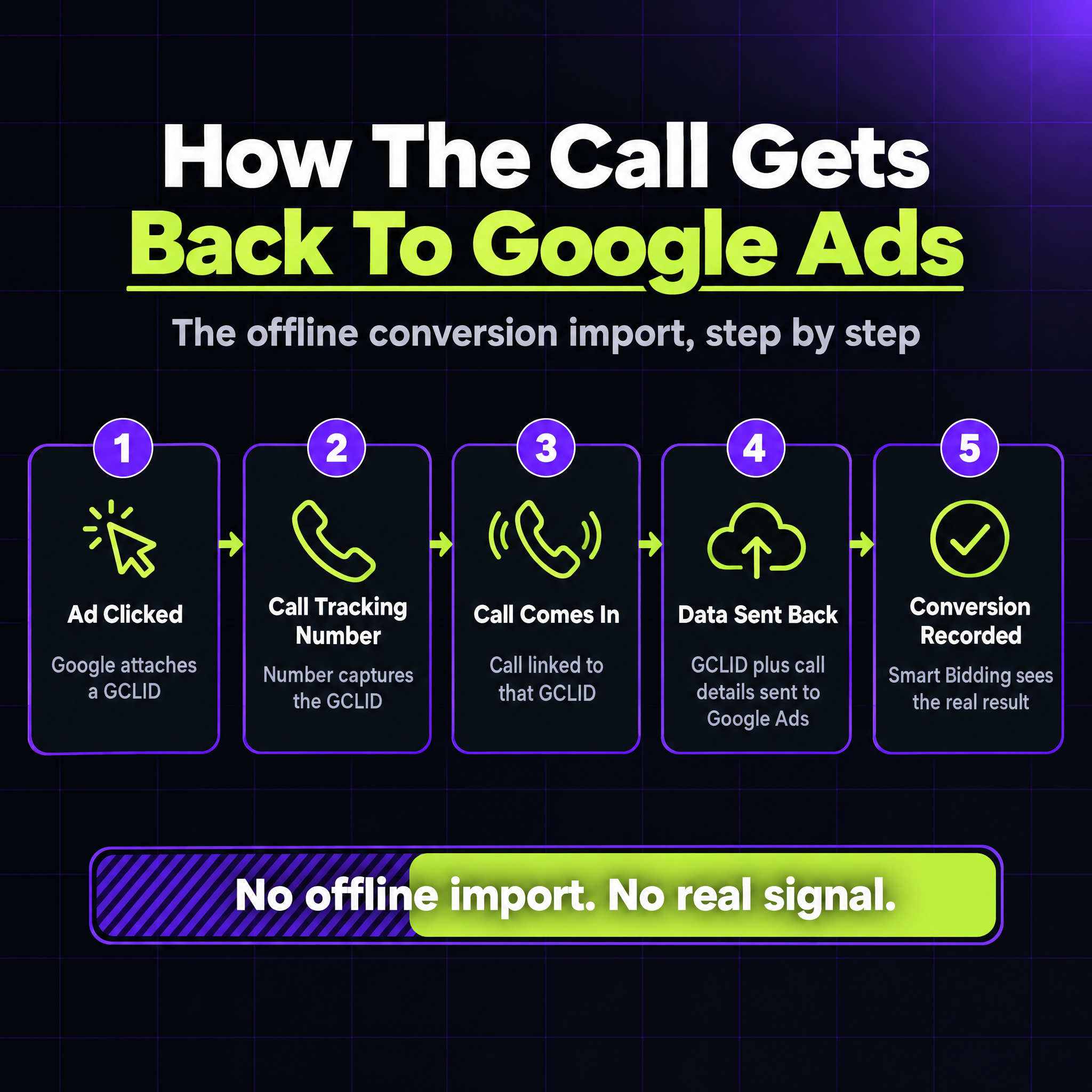
Here’s the part that trips people up. A phone call isn’t something that happens “on” Google Ads, so it needs to be imported back in after the fact. This is called an offline conversion import, and the mechanics are simpler than they sound: when someone clicks your ad, Google attaches a unique ID (a GCLID) to that click. Your call tracking platform captures that ID, and when a call comes in from that visitor, it sends the GCLID plus the call details back to Google Ads as a conversion.
Once that’s flowing properly, Google Ads (and Smart Bidding specifically) can actually see which keywords generate real phone enquiries, not just clicks. Without it, you’re optimising a campaign for the wrong signal. We’ve written a fuller breakdown of why this kind of gap happens across both calls and forms in Server-Side Tracking Explained, worth reading if this is the first time you’ve heard the term “offline conversion.”
Call tracking tells you a call happened. It doesn’t stop calls from being missed in the first place, and for most local service businesses, missed calls are where real money quietly disappears. We’ve covered what a missed call actually costs in detail elsewhere, but the short version: if nobody picks up, that caller is already dialling your competitor.
This is where missed call text-back earns its keep: the moment a call goes unanswered, an automatic text goes out asking what they need, so you don’t lose the lead just because you were on a job or it was after hours. Some businesses are now taking it a step further with AI call agents that can actually answer, ask a few qualifying questions and book a job into the calendar before a human ever gets involved. We go into the automation side of this properly in Stop Losing Jobs to Whoever Calls Back First.
A common assumption is that call tracking means recording every conversation. It doesn’t have to. Attribution, the part that actually improves your ad spend, only needs the metadata: which number was called, how long the call lasted, and which ad or keyword it came from. Recording is an optional extra on top, useful for training staff or settling a dispute, but it adds real overhead: most Australian states require some form of notice or consent before a call can be recorded, and you’re then on the hook for storing that audio securely.
There’s a separate trade-off worth knowing about too, and it has nothing to do with recording. Because tracking numbers aren’t your real number, a customer who calls once may end up with an unfamiliar number in their phone, one that quietly stops working once the campaign ends or the number gets reassigned to someone else. If you ever call them back from that same tracking number, don’t be surprised if it goes to voicemail, people are naturally cautious about numbers they don’t recognise. It’s a minor issue, but worth being aware of rather than surprised by.
If you’re running Google Ads and most of your enquiries come by phone, call tracking isn’t optional, it’s the difference between knowing what’s working and guessing. We set this up as a standard part of our Google Ads management, tracking numbers, offline conversion imports and all, so the numbers in your account actually reflect the calls coming into your business.
Free calculator
Most business owners have no idea how much revenue their Google ranking is leaving on the table. Find out yours in 2 minutes.
Calculate What #1 Is Worth →Free · No sales call